В этом разделе можно управлять уведомлениями о новых продажах на платформе: настроить email-уведомления на почту и привязать свой Telegram-аккаунт.
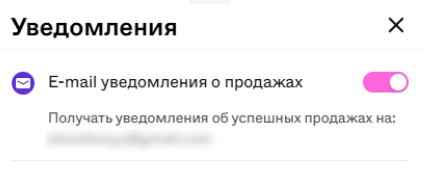
В разделе «Уведомления» сместите ползунок в блоке «E-mail уведомления о продажах»: вправо, чтобы включить уведомления, и влево, чтобы выключить.

✅ Чтобы получать уведомления:
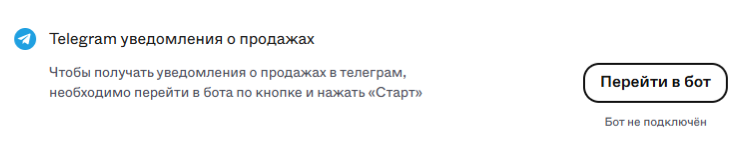
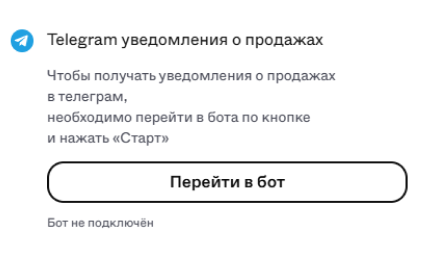
1. В разделе «Уведомления» нажмите на кнопку «Перейти в бот» в блоке «Telegram уведомления о продажах».
2. Система автоматически перенаправит вас в Telegram и отправит команду «/start».
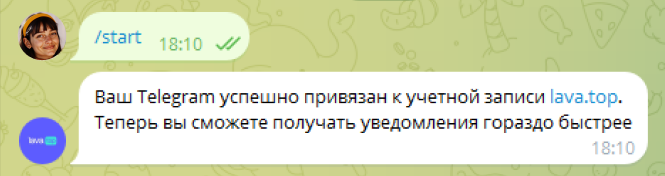
Готово! Теперь вы будете получать уведомления о новых продажах в Telegram.
❌ Чтобы отказаться от уведомлений:
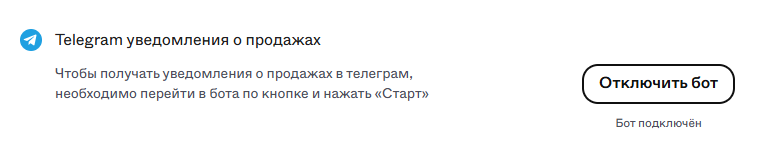
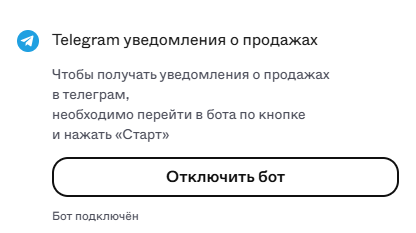
1. Нажмите «Отключить бот» в разделе «Уведомления».
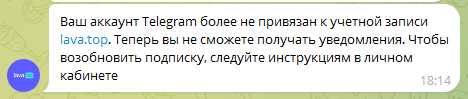
Готово!
Была ли эта статья полезной?