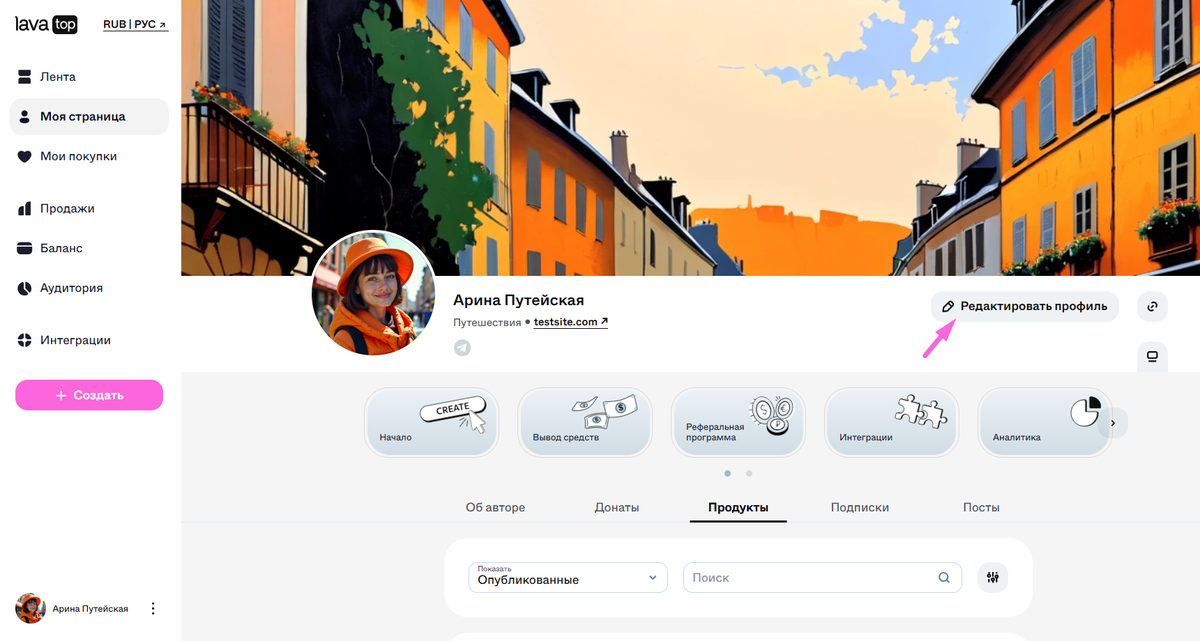
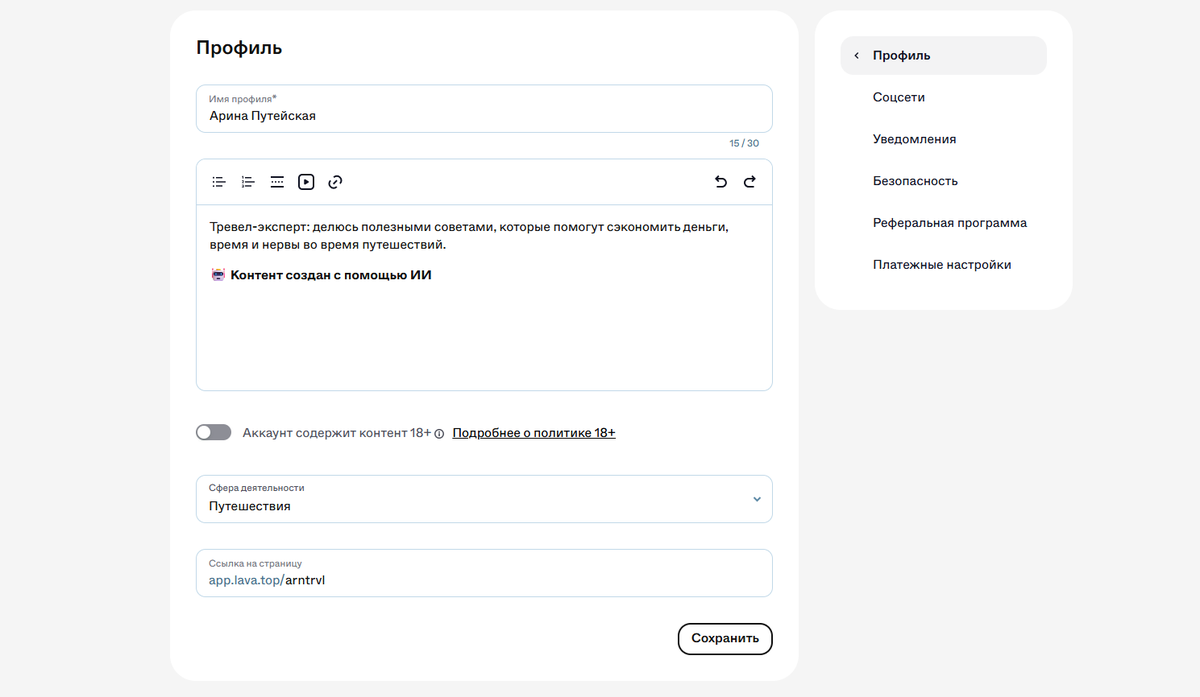
- На ПК: зайдите на «Мою страницу» и нажмите «Редактировать профиль».
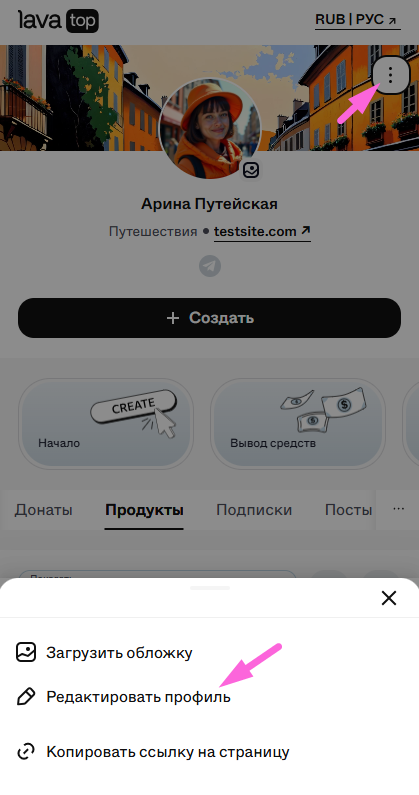
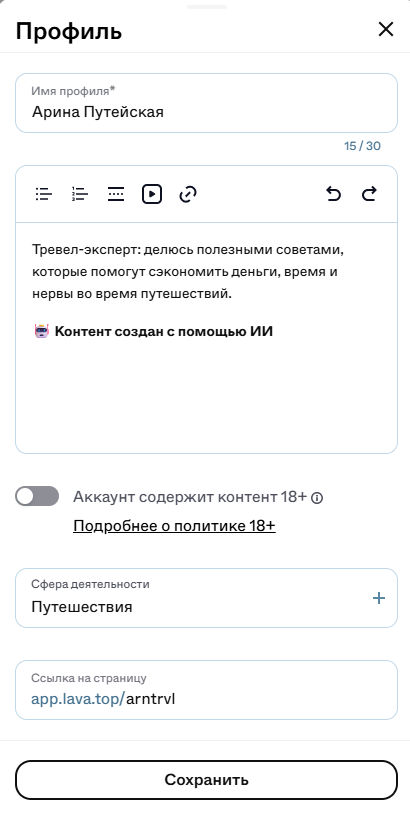
- На телефоне: нажмите «Профиль» в нижнем меню, три точки рядом с аватаркой и выберите «Редактировать профиль».
Здесь можно:
- изменить имя и информацию о себе;
- выбрать сферу деятельности;
- настроить красивый вид ссылки на вашу страницу: выберите никнейм не короче четырёх символов, например: app.lava.top/team;
- установить отметку 18+: необходима, если собираетесь публиковать контент для взрослых (убрать отметку можно через службу поддержки).
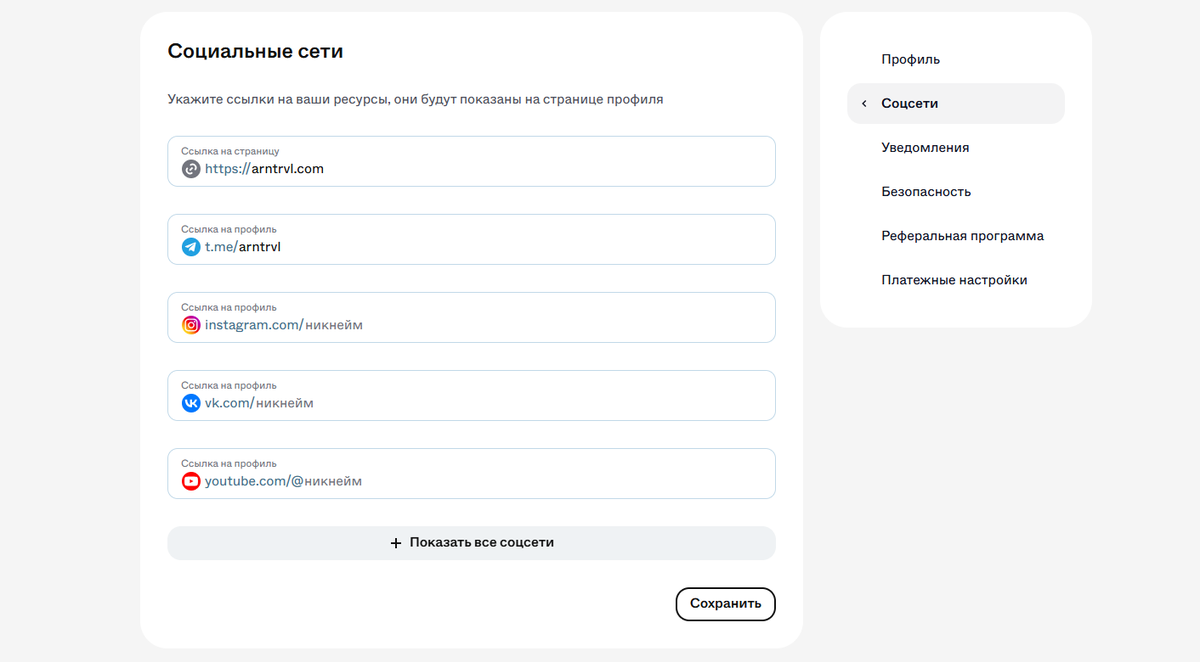
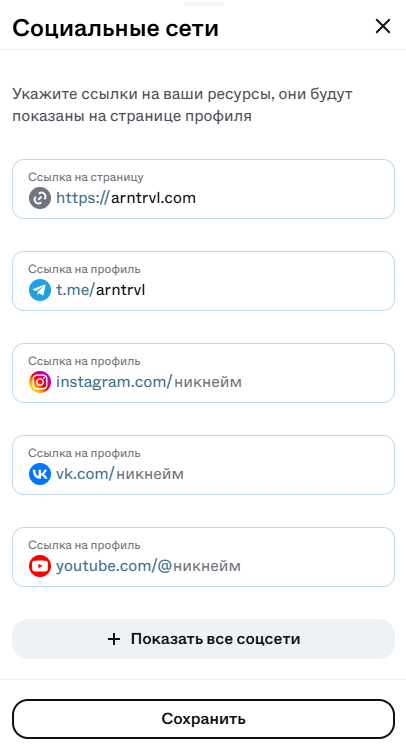
Этот раздел поможет показать подписчикам все ваши площадки в одном месте и увеличить охват аудитории.
Вы можете добавить:
- ссылку на персональный сайт;
- основные социальные сети (Instagram, Twitter, YouTube и др.);
- профили в мессенджерах.
💡 Вводите никнейм без лишних символов (например, не @author, а просто author) — так ссылка будет активна.
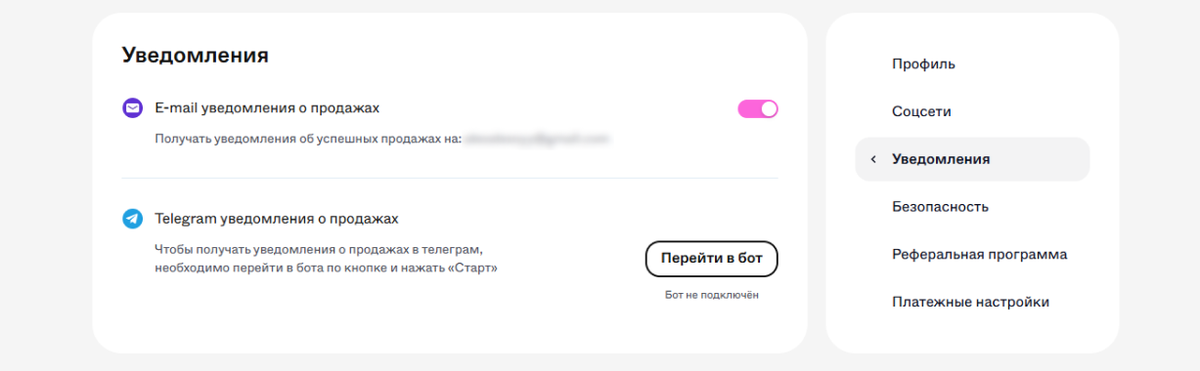
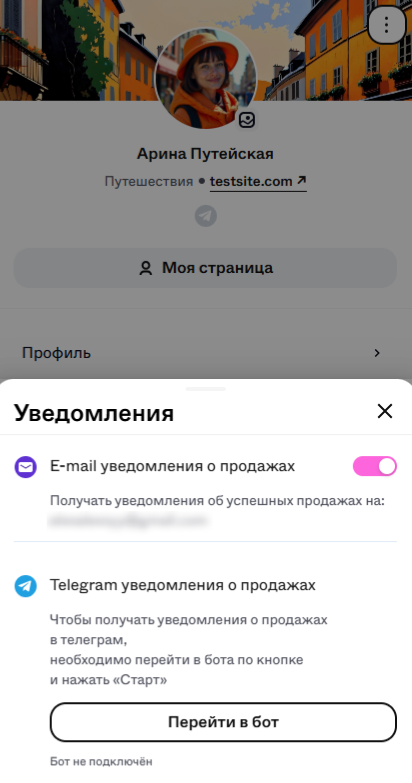
Здесь можно подключить уведомления об успешных продажах, чтобы ничего не пропустить.
- Email-оповещения — получайте письма о новых продажах на платформе.
- Telegram-бот — моментальные уведомления о новых продажах прямо в мессенджер. Просто нажмите «Перейти в бот» и всё готово.
- Письма будут приходить на почту, к которой привязан аккаунт.
- Бот для уведомлений можно подключить только к одному аккаунту в Telegram.
Ваша безопасность — приоритет:
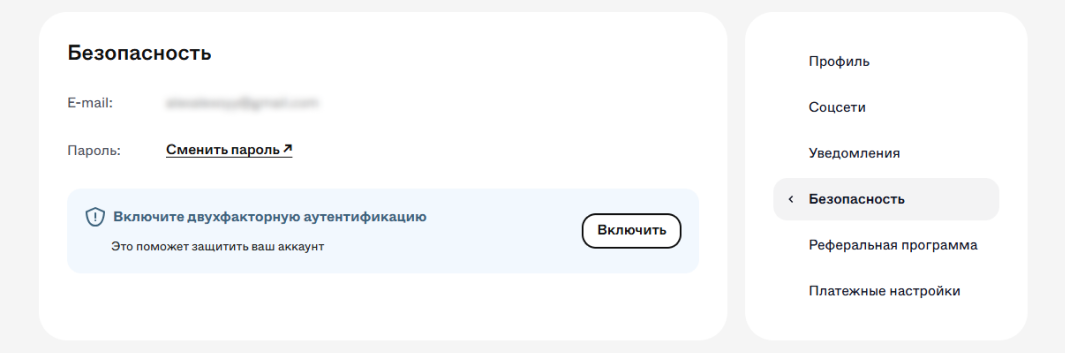
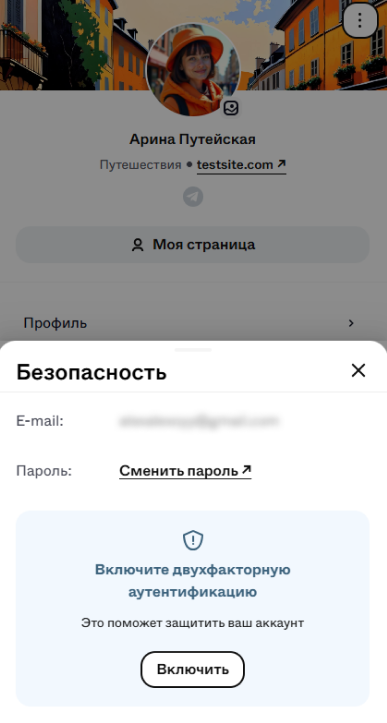
- Регулярно обновляйте пароль для защиты от нежелательного доступа с помощью смены пароля.
- Дополнительно защитите аккаунт двухфакторной аутентификацией.
После включения двухфакторной аутентификации при каждом входе потребуется не только пароль, но и код из приложения Google Authenticator.
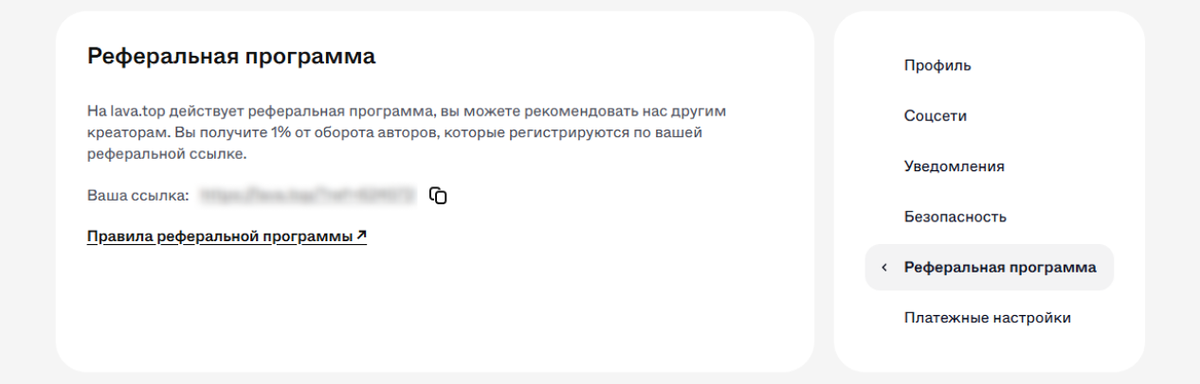
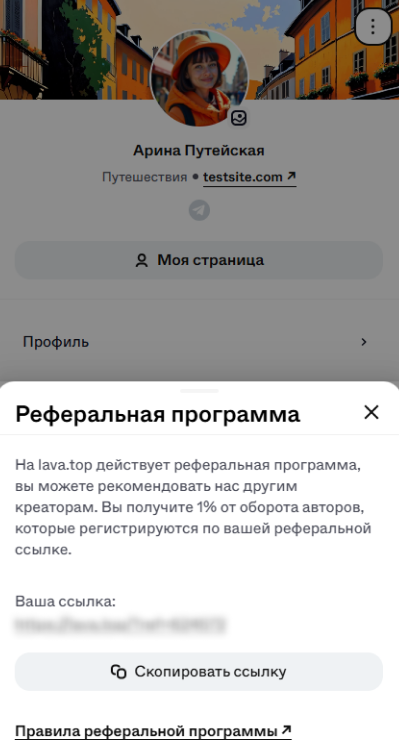
Здесь находится персональная ссылка, которая позволяет:
- приглашать других авторов на платформу,
- получать пассивный доход — 1% от всех продаж приглашенных авторов.
Подробнее про реферальную программу рассказали здесь.
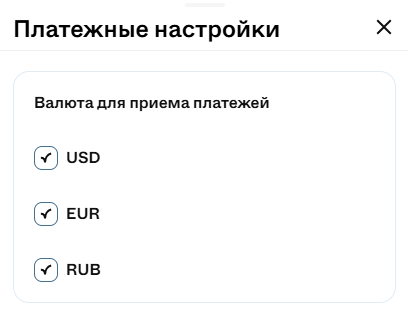
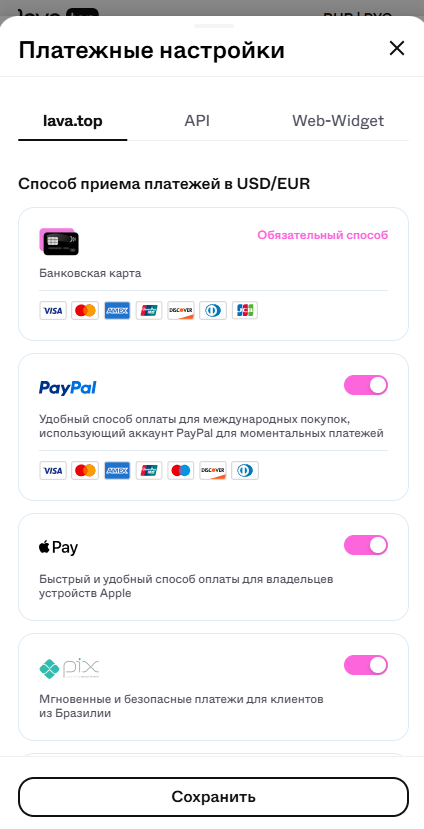
Здесь можно настроить параметры для разных каналов продаж:
- Выберите в каких валютах (₽, $, €) клиенты будут оплачивать контент.
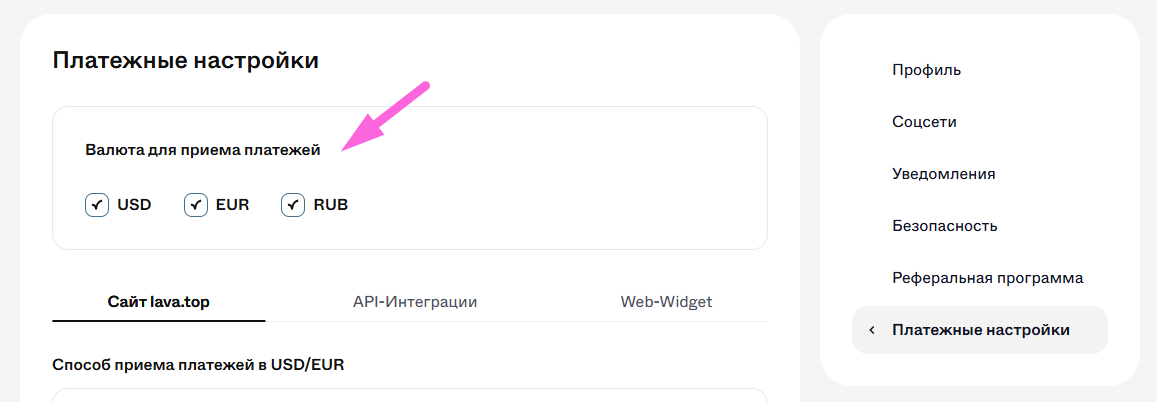
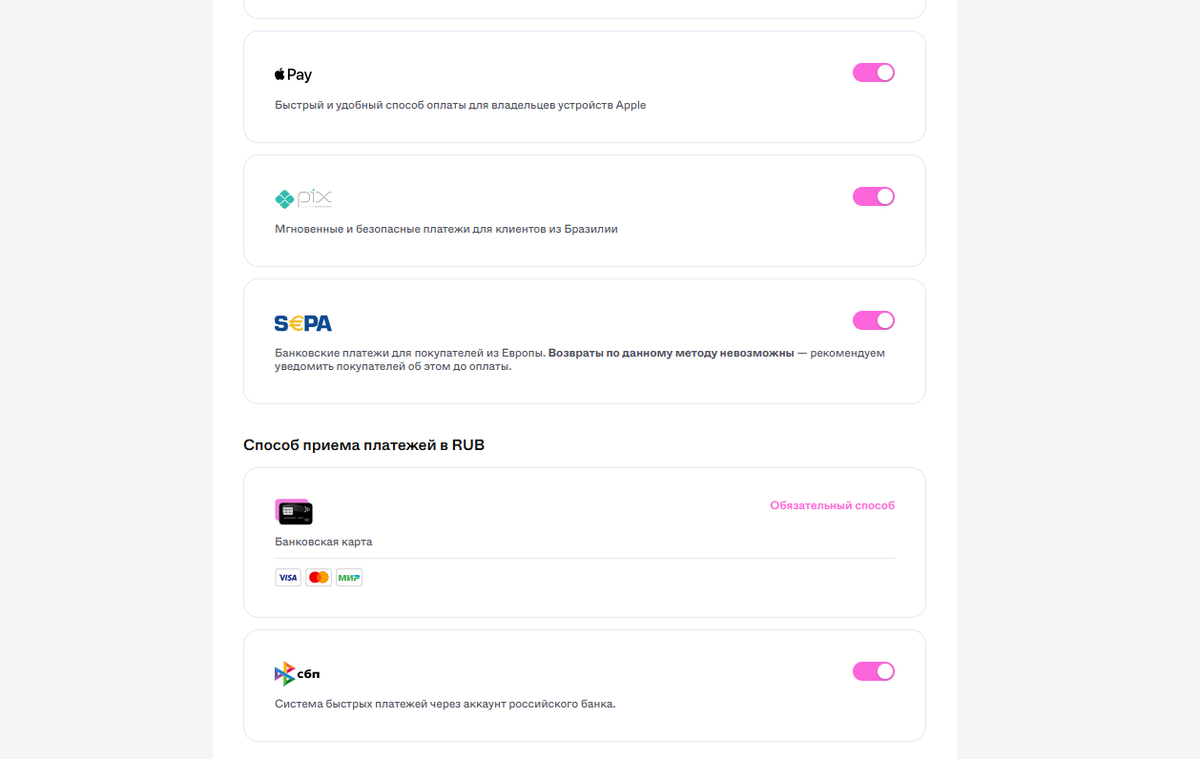
- Включите или отключите прием оплат через PayPal, Apple Pay, SEPA и PIX для оплат в $ и €, или СБП — в ₽.
- Прямые продажи на платформе (сайт lava.top).
- Оплаты через Telegram-бот (API-интеграции).
- Продажи через виджет на вашем сайте (Web-widget).
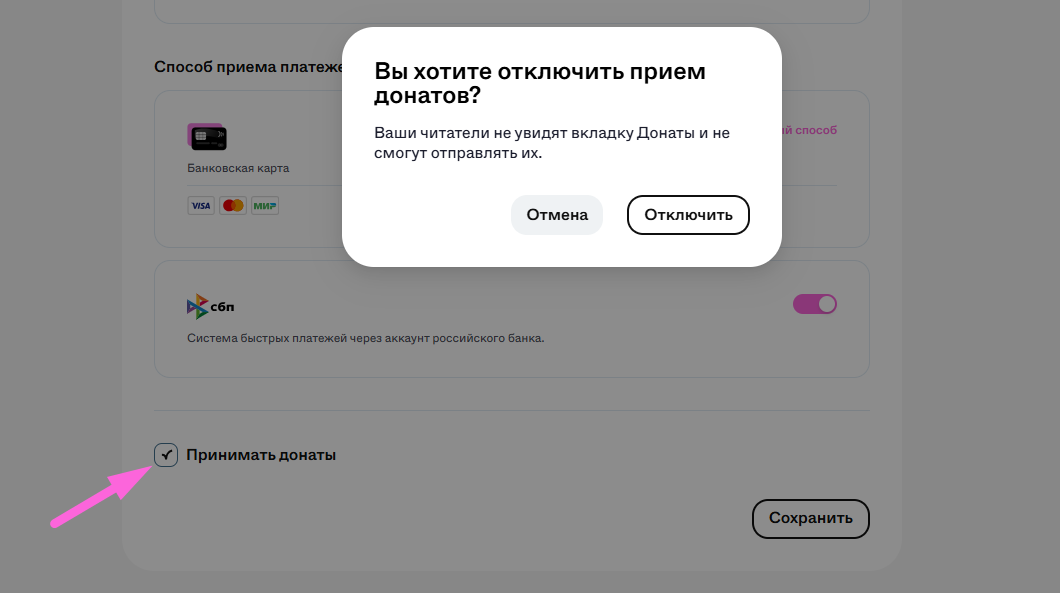
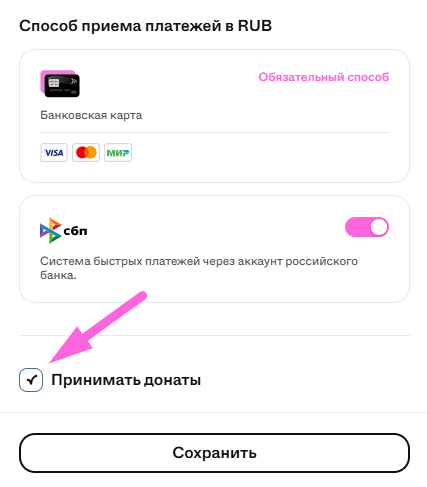
- Включите или отключите возможность принимать донаты в аккаунте: