По статусу публикации можно понять, в каком состоянии находится контент: вы только работаете над ним, он уже продаётся или снят с продажи.
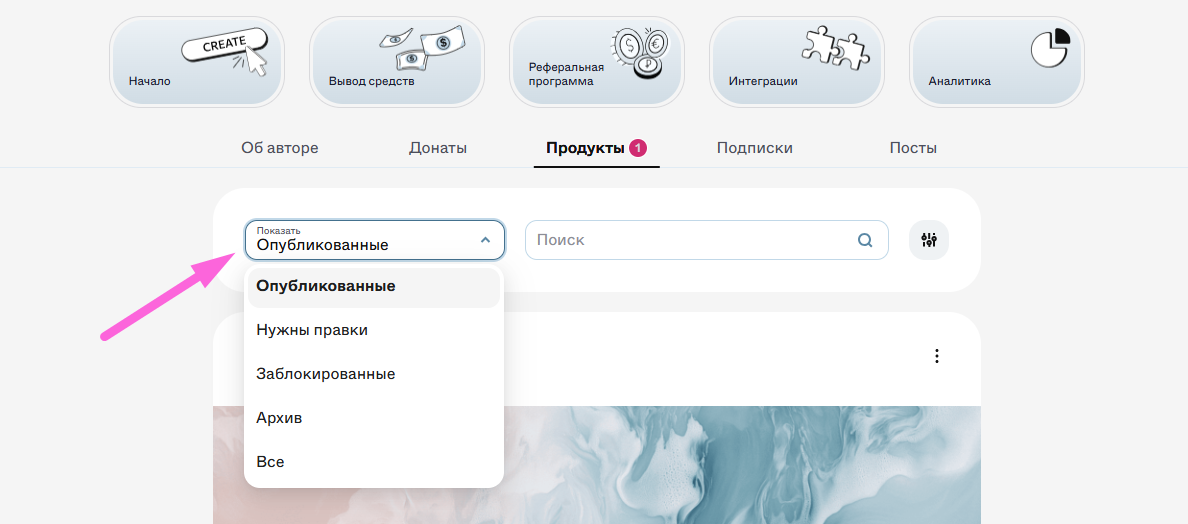
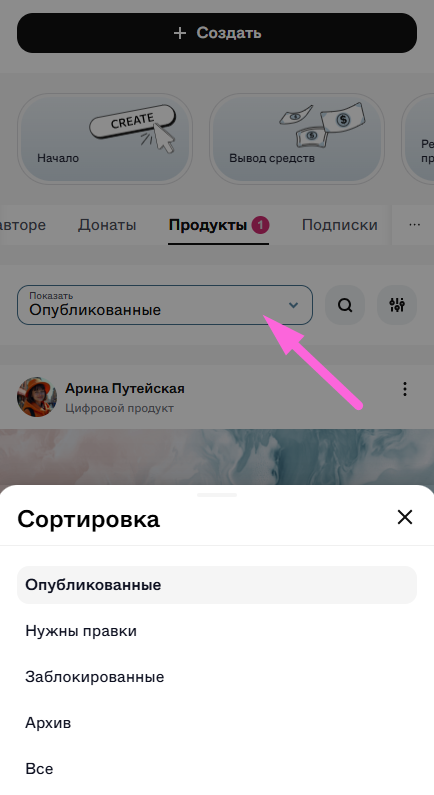
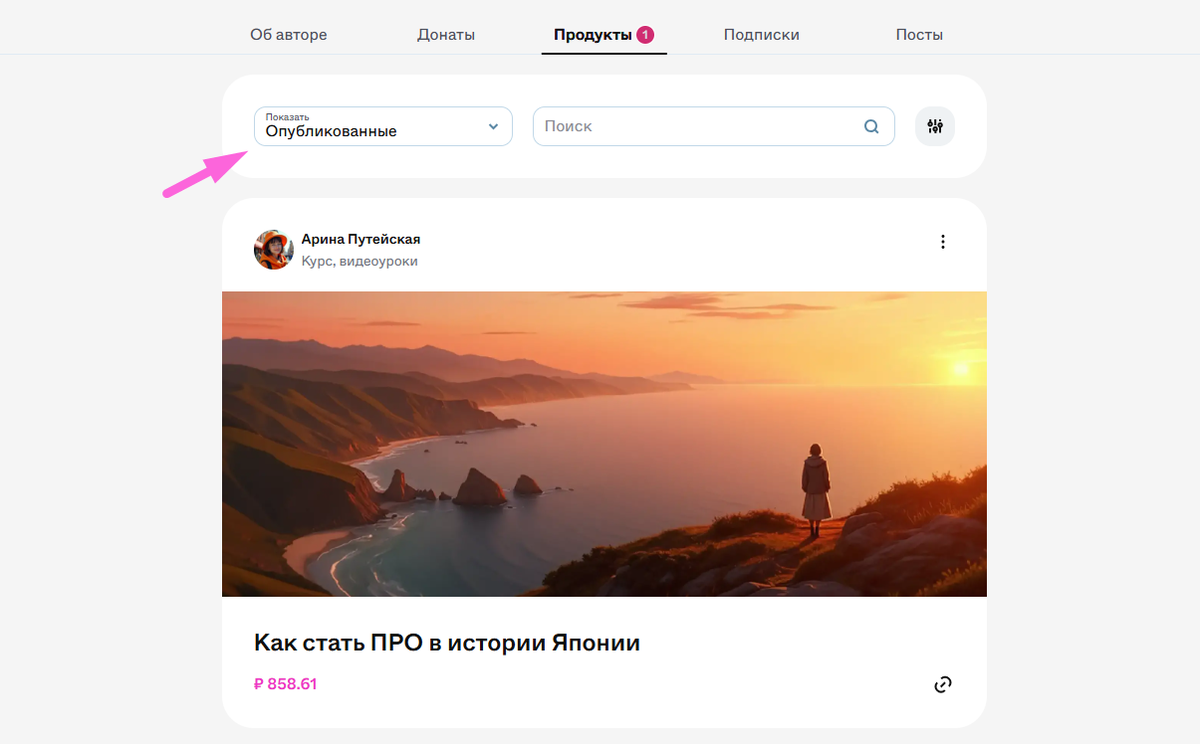
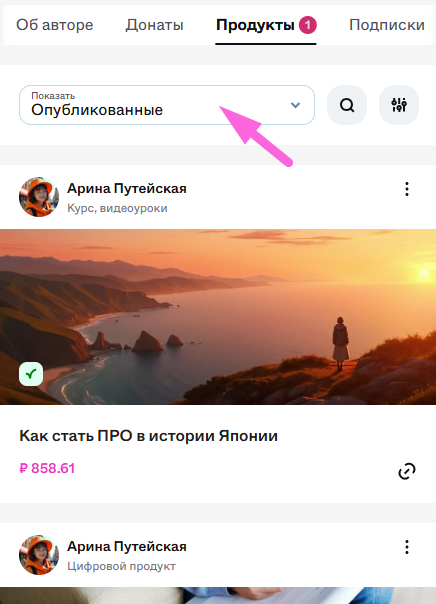
В личном кабинете можно фильтровать продукты и посты по этим статусам, чтобы удобно управлять контентом — например, посмотреть только опубликованные продукты или найти снятые с публикации:
Контент готов к продажам:
- Виден всем пользователям (если не включен режим «Только по ссылке»).
- Доступен для покупки.
- Можно редактировать.
Контент находится в процессе создания и ещё не опубликован, либо был снят с публикации:
- Можно вносить любые изменения.
- После публикации продукт отправляется на модерацию.
После снятия с публикации — пользователи, которые купили этот контент, теряют к нему доступ.
💡 Используйте этот статус, когда работаете над контентом и еще не готовы показывать его пользователям.
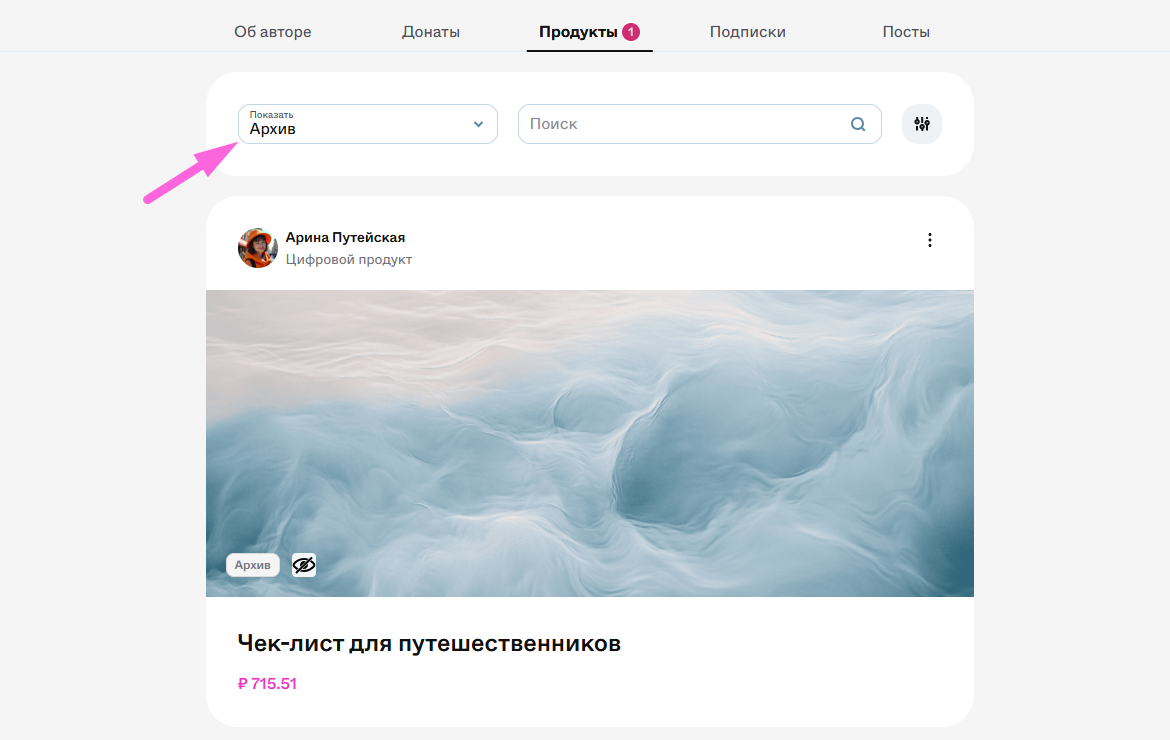
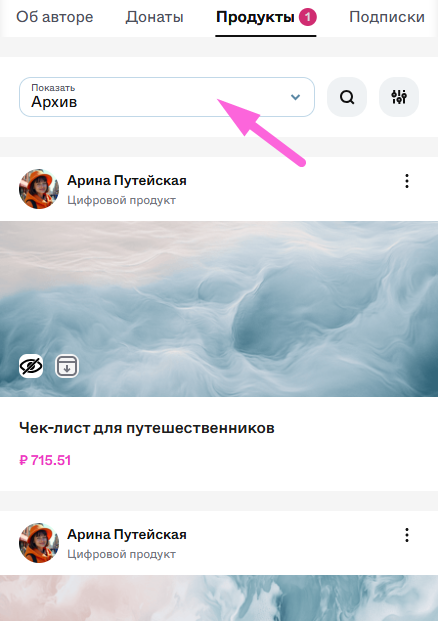
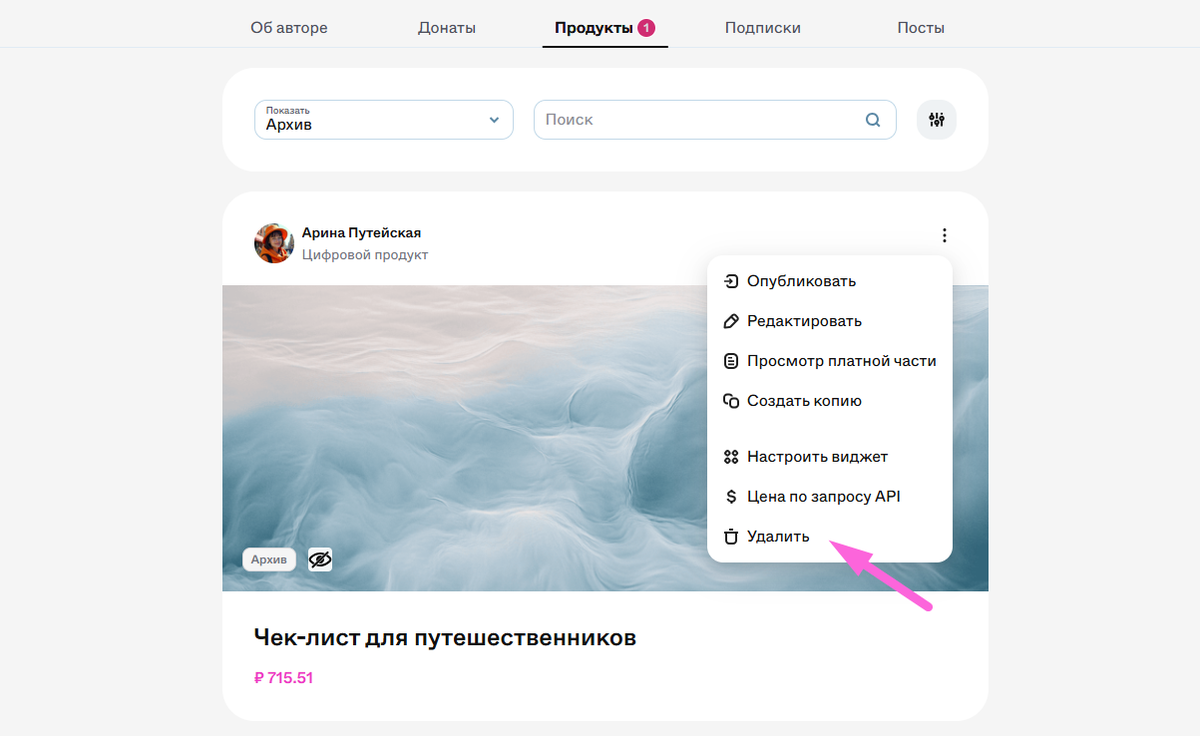
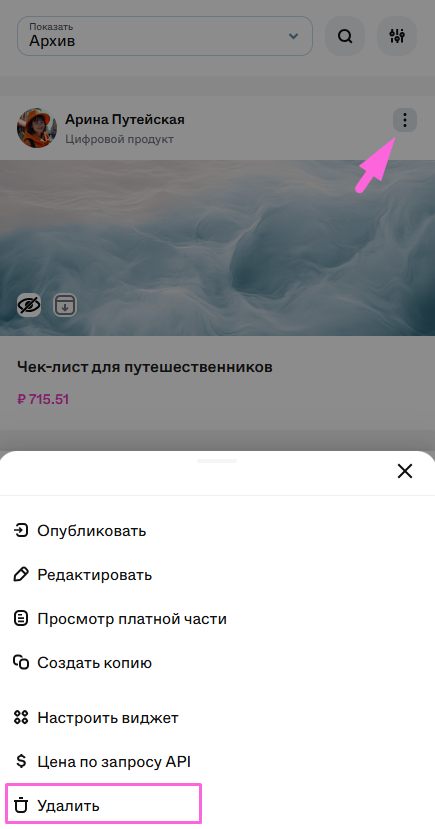
Контент полностью удалён с платформы:
- Исчезает из профиля автора.
- Удалить можно только продукты их архива.
- Покупатели теряют доступ к материалам.
- Удаление — необратимый процесс. Перед удалением убедитесь, что сохранили нужный контент и оповестили покупателей о потере доступа.