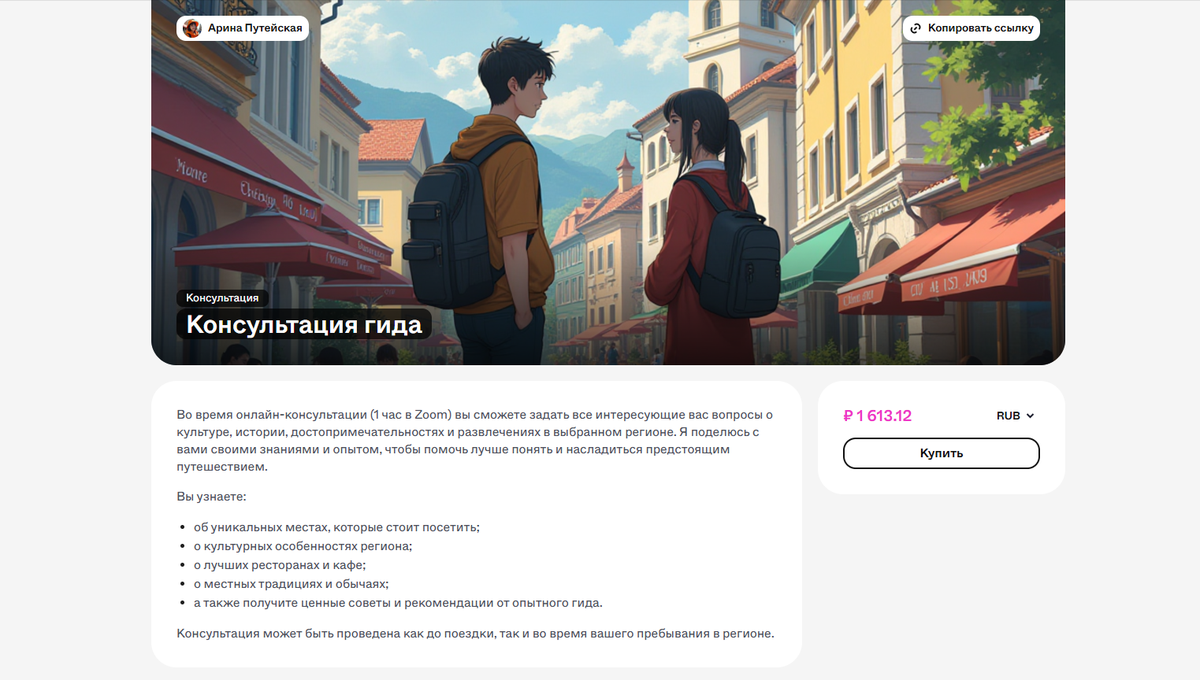
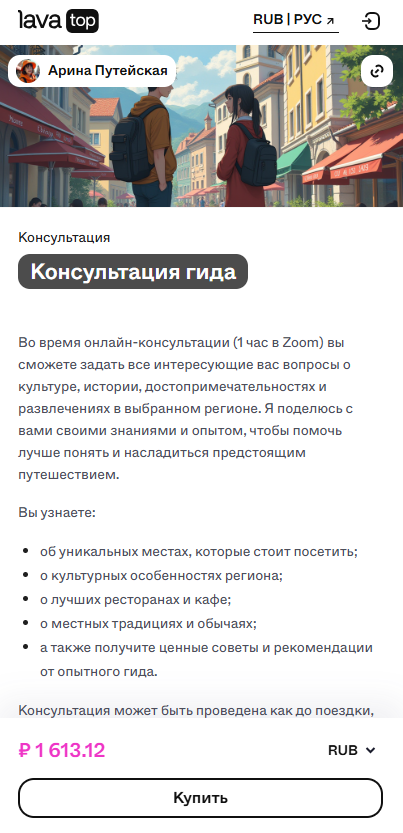
Подойдет, если:
- Вы хотите продавать доступ к личным встречам.
- Встреча проходит в видеоформате (например, Zoom, Skype), по аудиосвязи или даже в чате.
- Вам не нужно загружать файлы — только организовать общение с клиентом.
1. Нажмите «Создать» и выберите «Консультация».
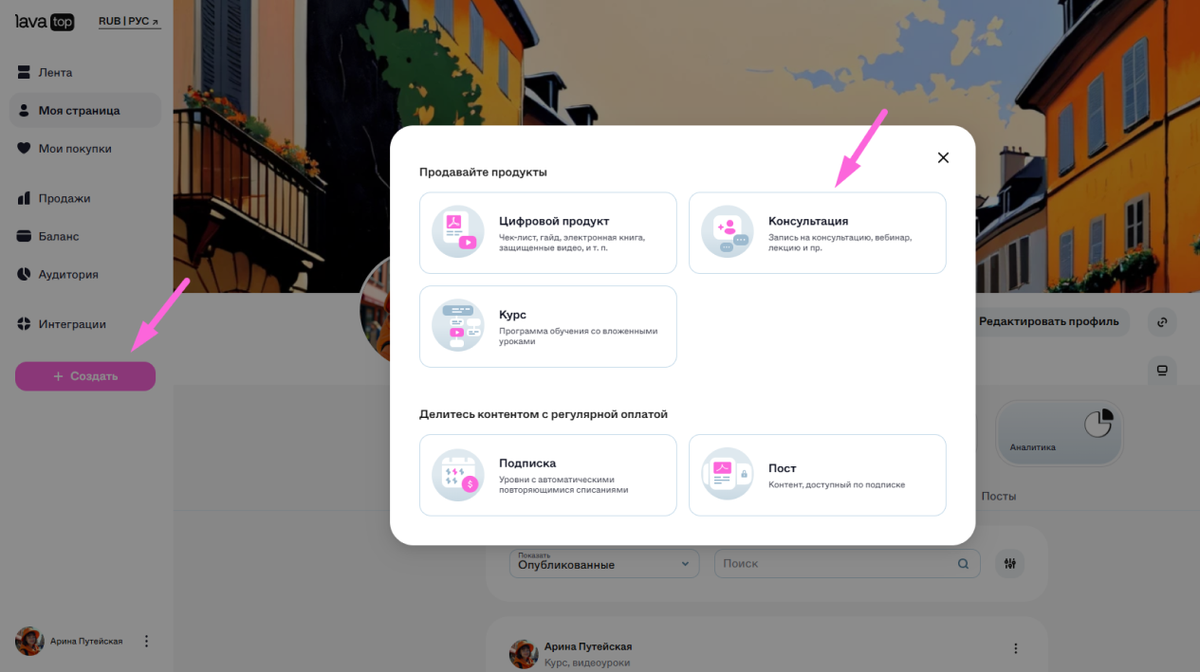
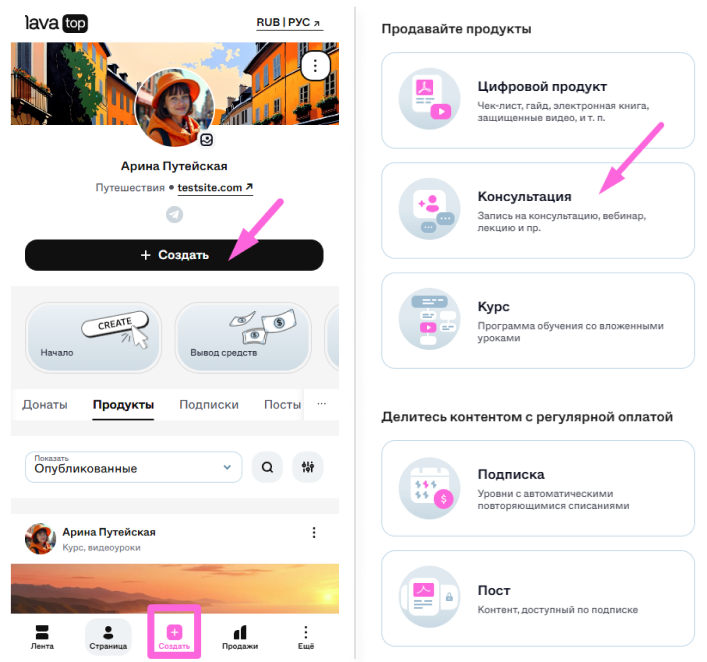
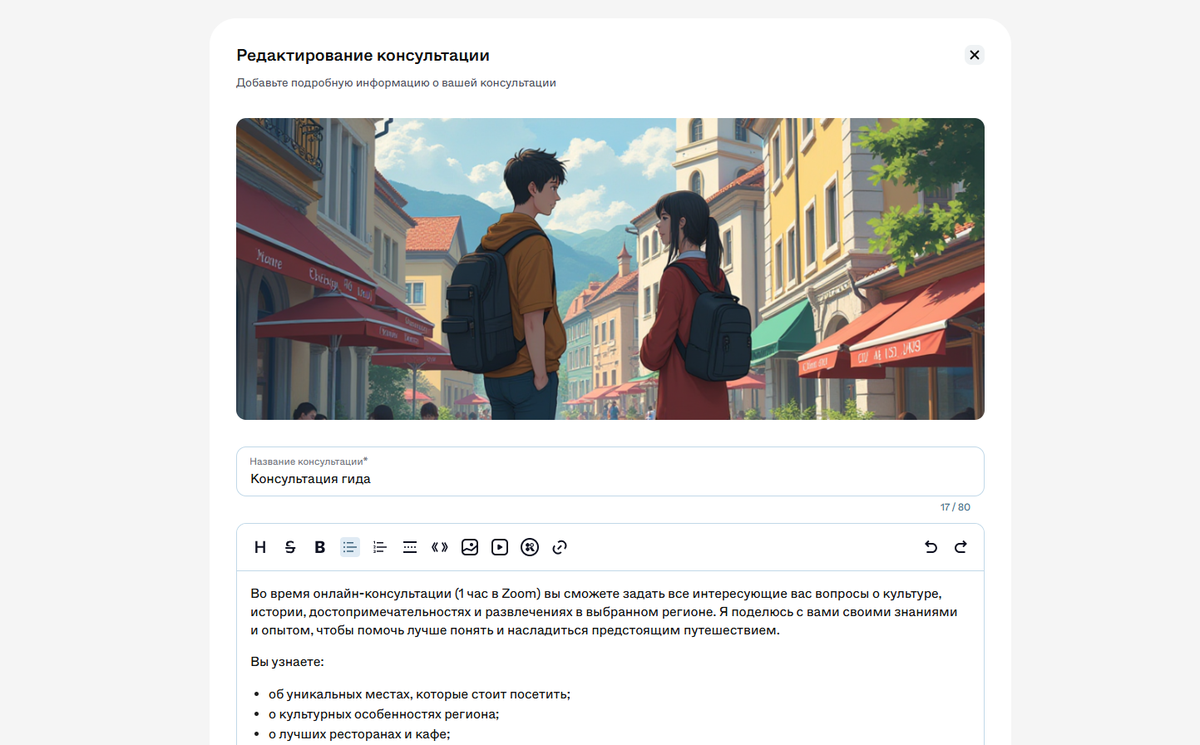
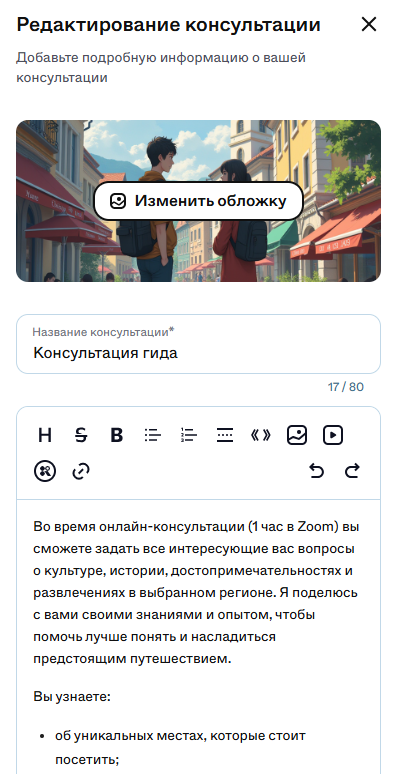
2. Заполните информацию:
- обложку размером 1160 х 464 в формате jpg, jpeg, png и webp.
- название — понятное и конкретное, например, «Онлайн-консультация психолога»,
- описание — чтобы клиент сразу понимал, что покупает: формат, длительность и тема.
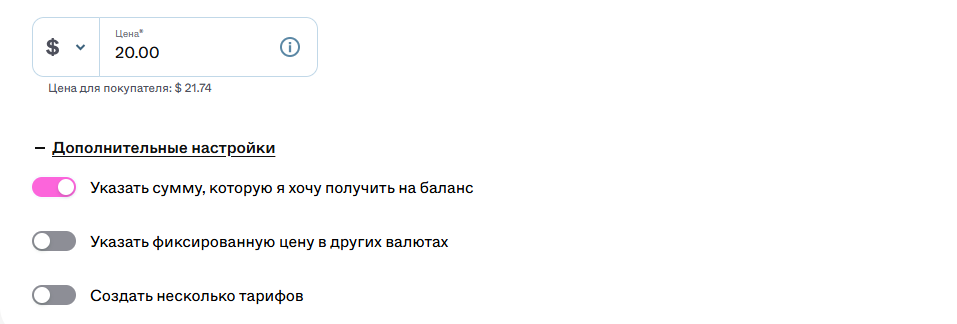
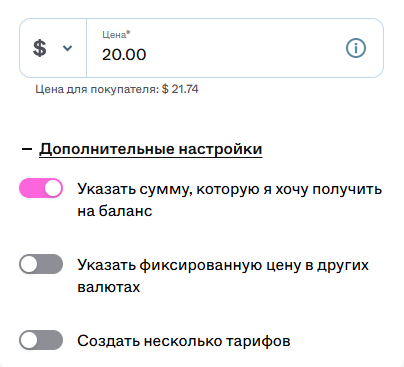
3. Укажите цену: минимальная — 50₽, 5€ или 5$, а максимальная — 1 000 000₽, 10 000€ или 10 000$.
Если консультация бесплатная — можно установить стоимость 0 ₽/€/$.
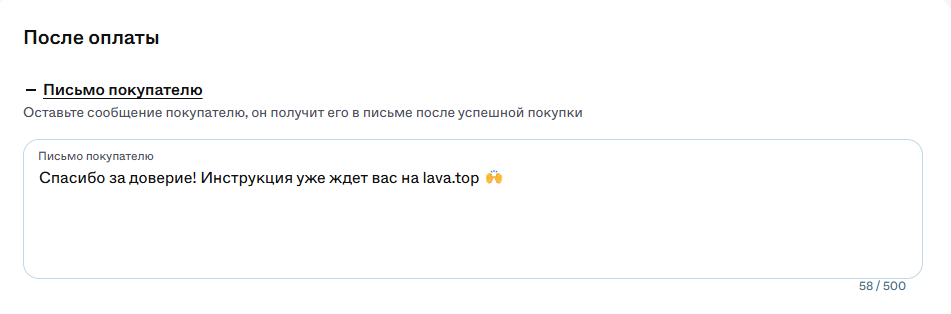
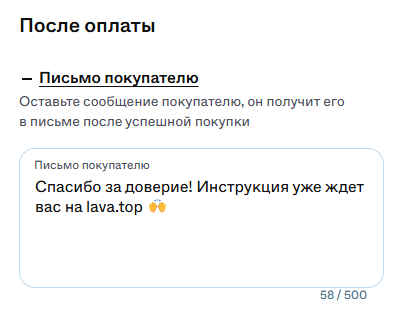
4. Добавьте сообщение покупателю (по желанию) — оно придет в письме после оплаты.
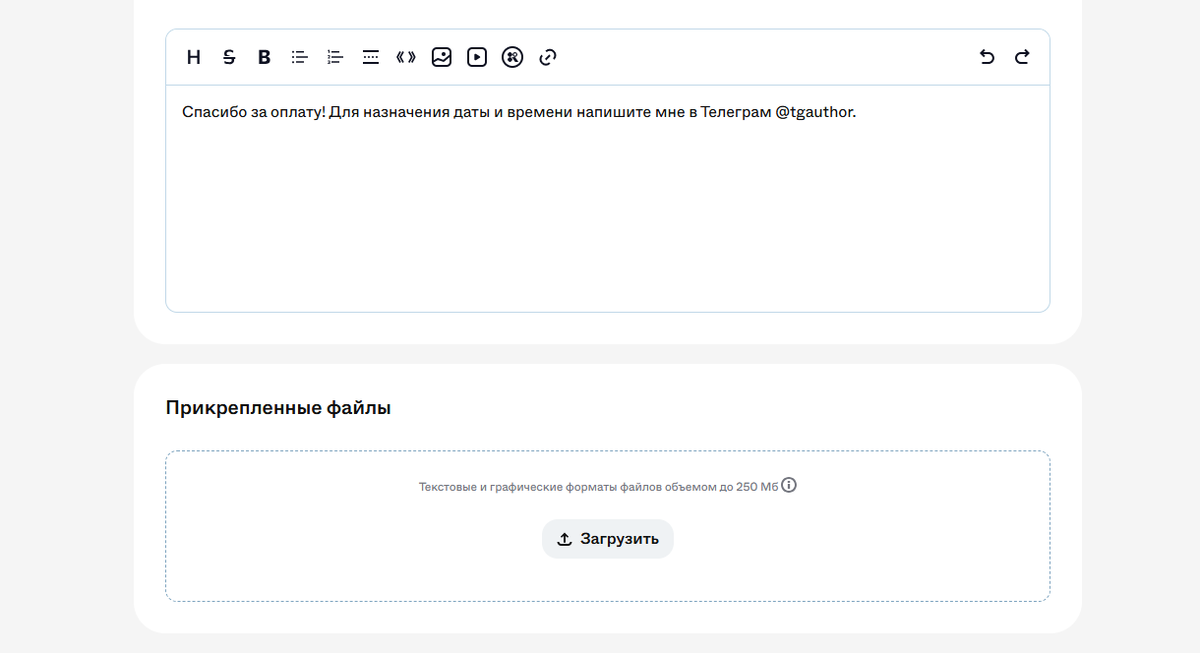
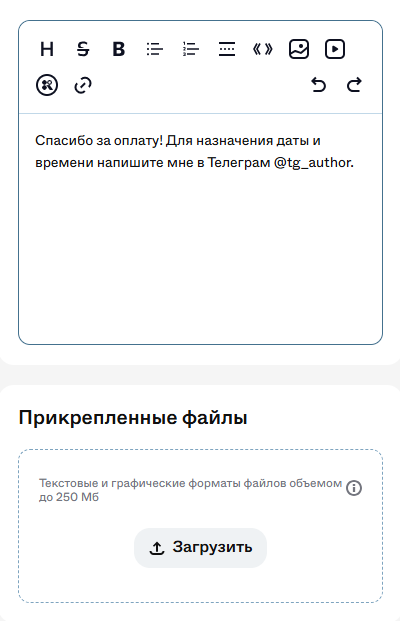
5. Заполните платную часть (обязательно):
- добавьте файл,
- оставьте инструкцию, как начать консультацию, и контакт для связи.
6. Настройте видимость: если чекбокс активен — покупатели не будут видеть консультацию в ленте, она будет доступна для оплаты только по прямой ссылке.

7. Нажмите «Сохранить» — консультация опубликована.
- Изображения: JPEG, PNG, TIFF (до 10 МБ).
- Видео: ссылки с YouTube, RuTube, Google Диска или Kinescope (воспроизводятся внешним плеером).
- Файлы: PDF, DOCX, EPUB и др. (до 250 МБ, кроме .EXE).
После публикации скопируйте ссылку и отправьте клиентам.
В настройках можно:
- посмотреть отображение ссылки в разных соцсетях,
- установить язык и валюту, в которых будет открываться ссылка у клиента.
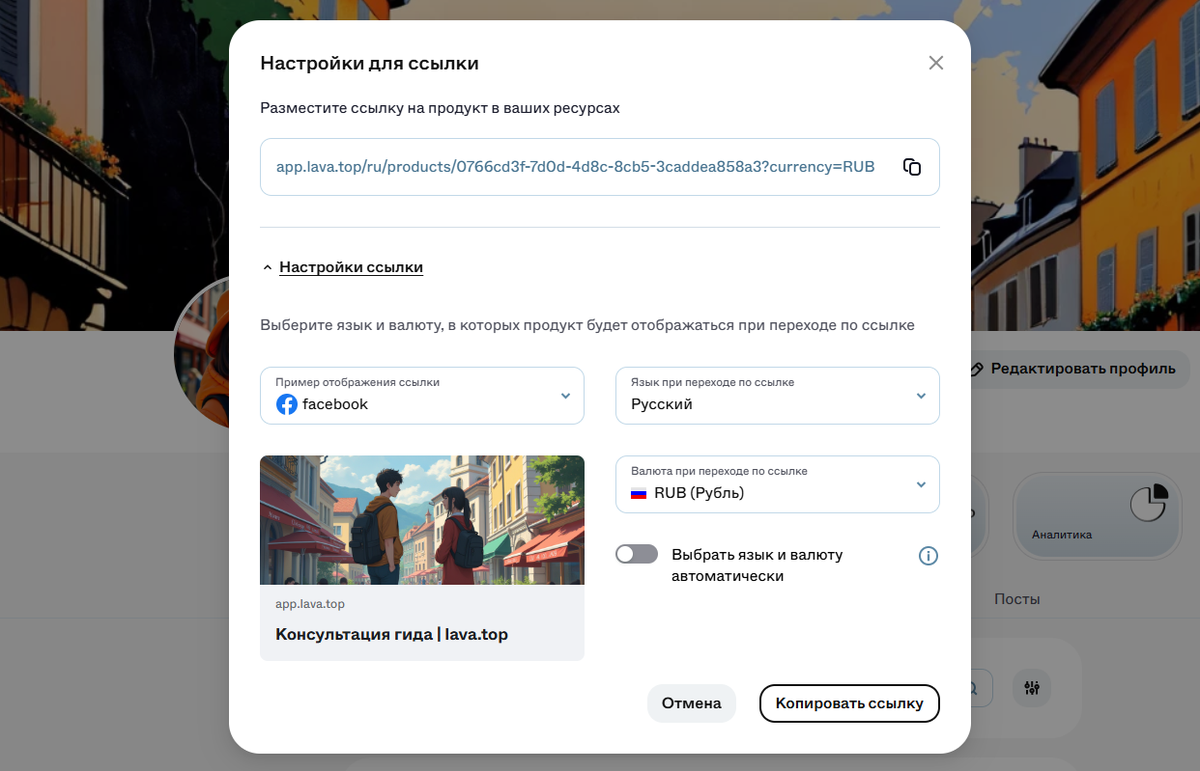
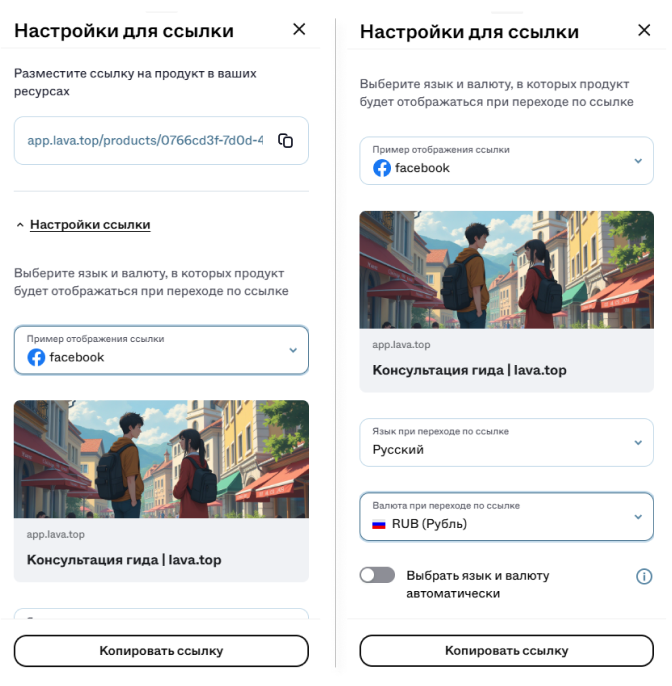
При переходе по ссылке клиент увидит: